
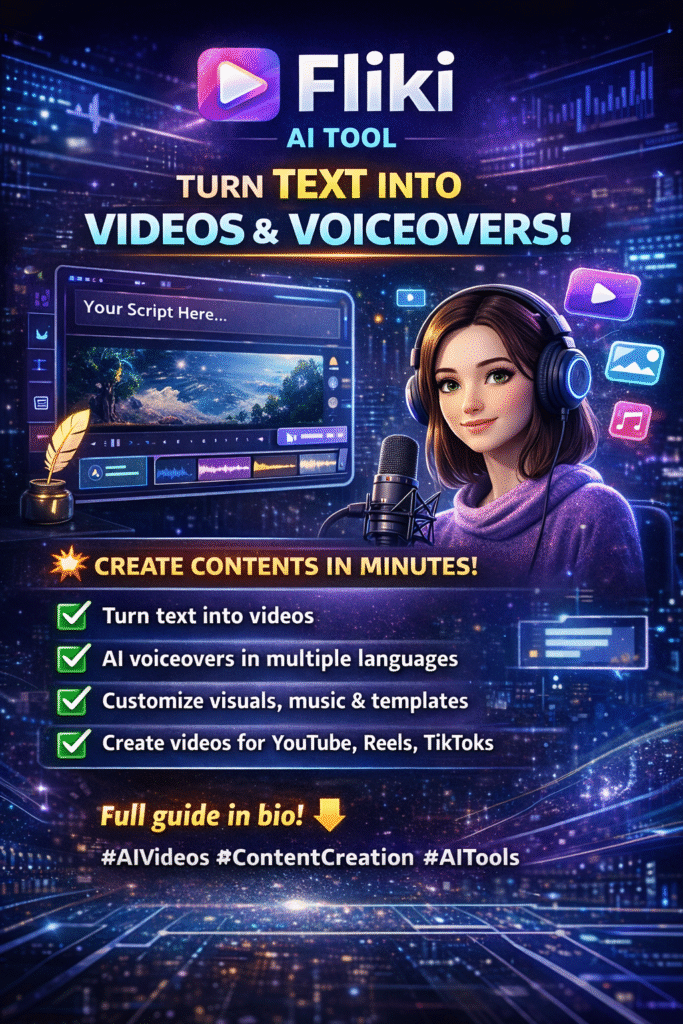
Fliki AI Tool: Complete Guide for Creators and Marketers

The Fliki AI tool is designed for creators and marketers who need to produce video and audio content without complex editing. Video and audio content are widely used across marketing, education, and social media, increasing demand for tools that reduce production time.
Fliki AI converts written text into video and voice-based content using built-in media and voice generation features. This guide explains how the platform works, along with its features, use cases, limitations, and pricing.
What Fliki AI Is and What It Does
Fliki AI is a text-to-video and text-to-speech platform designed to convert written content into video with voice narration. Instead of relying on manual recording or editing, it uses automated processes to generate both audio and visuals from a script.
The platform combines several core functions:
- AI voice generation: Converts text into spoken audio using pre-built voice models across multiple languages and accents
- Stock media integration: Uses a built-in library of images and video clips to match scenes with the script
- Video templates: Provides structured layouts for common content formats such as explainers and social media videos
- Text and scene synchronization: Aligns narration with visuals based on the script structure
These features allow users to produce basic video content without using separate tools for voice recording, media sourcing, or timeline editing. However, the output quality depends on the input script, selected media, and voice settings.
How Fliki AI Works Step by Step
Fliki AI follows a structured workflow that converts written input into a complete video. Each step is handled within the platform to reduce the need for external tools.
Input Text Content
Users start by adding written content. This can include:
- Blog posts
- Video scripts
- Summaries or notes
The system processes this text as the base for both narration and scene creation.
Select Video Settings
Users define how the video will be formatted. This includes:
- Aspect ratio (such as landscape or vertical)
- Video style or template
- Language and voice selection
These settings determine how the final output will appear and which audience it is suited for.
Generate Voiceover
Fliki converts the text into speech using its built-in voice models.
Users can select:
- Voice type (male or female)
- Language and accent
- Speech speed
The generated audio is automatically linked to the script.
Add Visual Content
The platform suggests visuals based on the text provided. This is done using keyword matching within the script.
Users can:
- Use the suggested stock images and video clips
- Replace them with custom uploads
This step forms the visual layer of the video.
Edit and Adjust
Users can refine the video before exporting. Available controls include:
- Scene duration and timing
- Text positioning and overlays
- Background music selection and volume
This allows basic customization without timeline-based editing.
Export Final Video
Once editing is complete, the video can be exported.
Users can:
- Download the file
- Use it across platforms such as social media or websites
The final output combines text, voice, and visuals into a single video file.
Core Features of Fliki AI Platform
Fliki AI includes a set of features designed to handle the main stages of video creation, from script input to final output. Each feature supports a specific part of the content production process.
AI Voice Generation Across Languages
Fliki converts written text into speech using pre-built voice models.
The platform provides:
- Multiple language options
- Regional accents
- Male and female voice types
Users can adjust elements such as speech speed and tone to match the content format. The quality of output depends on the selected voice and clarity of the script.
Text to Video Conversion System
Fliki processes written content and converts it into video by:
- Dividing text into separate scenes
- Assigning visuals based on keywords
- Adding synchronized voice narration
This structured approach reduces the need for manual timeline editing.
Built-In Media Library Access
The platform includes an integrated media library that contains:
- Stock images
- Video clips
- Background audio tracks
Users can use these assets or replace them with their own media. The relevance of visuals depends on how well the script matches available media.
Video Editing and Custom Controls
Fliki provides basic editing options within the platform. Users can adjust:
- Scene duration and order
- Text placement and formatting
- Color themes
- Intro and outro sections
These controls allow users to align content with branding requirements without using advanced editing software.
Multilingual Content Support
Fliki supports content creation in multiple languages.
This allows users to produce videos for different regions without rewriting or recording separate versions manually.
Templates for Common Content Types
The platform includes pre-designed templates for common use cases, such as:
- Educational content
- Product explanations
- Social media videos
Templates provide a fixed structure, which helps reduce setup time and maintain consistency.
Automatic Visual Synchronization
Fliki automatically aligns visuals with text and voiceover.
This is done by mapping script segments to scenes and matching them with media.
This feature reduces manual synchronization, but results may vary depending on script structure and media selection.
Practical Use Cases Based on Content Type

Fliki AI is used in different content workflows where written material needs to be converted into video format. Its usage depends on the type of content and publishing needs.
Content Creators and Video Platforms
Content creators use Fliki to convert written scripts into video content without recording audio or using editing software.
Common outputs include:
- Short-form videos (such as social media clips)
- Long-form videos (such as YouTube content)
This approach allows creators to publish more frequently by reusing existing written content. The final output quality depends on script structure, voice selection, and visual relevance.
Marketing and Advertising Teams
Marketing teams use Fliki to convert campaign messages into video format without relying on full production workflows.
Common outputs include:
- Product videos
- Social media advertisements
- Campaign-based content
This approach allows teams to produce and update content more frequently, especially for digital campaigns. The effectiveness of the output depends on message clarity, audience targeting, and media selection.
Education and Training Content
Educators and trainers use Fliki to convert written material into video-based learning content.
Common outputs include:
- Lesson videos
- Training modules
- Explanations with voice narration
This allows structured content, such as notes or scripts, to be delivered in a visual and audio format. The clarity of learning content depends on how well the script is organized and aligned with the visuals used.
Business Communication and Internal Use
Businesses use Fliki to produce video content for internal and external communication without hiring external production teams.
Common outputs include:
- Company presentations
- Employee training modules
- Product demonstration videos
This approach allows organizations to create consistent content quickly, ensuring messages are clear and accessible to employees or clients. The quality depends on script detail, selected visuals, and voice settings.
Blog and Written Content Conversion
Writers and bloggers use Fliki to transform text-based content into video and audio formats.
Common outputs include:
- Video summaries of articles
- Audio versions of blog posts
This allows content to reach audiences who prefer visual or audio formats, expanding distribution channels. The effectiveness depends on the clarity of the original text and the relevance of selected visuals and narration.
Benefits Based on Workflow and Output

Fliki AI offers practical advantages for content creators, marketers, educators, and businesses by streamlining the video production process.
Reduced Production Time
Videos can be created more quickly compared to manual recording and editing, allowing faster content delivery.
No Recording Equipment Required
Users can produce video and audio content without microphones, cameras, or studio setups, reducing setup costs and complexity.
Scalable Content Creation
Multiple videos can be generated from existing written content, making it easier to maintain consistent publishing schedules.
Multi-Platform Compatibility
Videos produced with Fliki can be shared across various channels, including:
- Websites
- Social media platforms
- Learning management systems
This flexibility allows content to reach different audience segments without extra formatting.
Limitations Based on Platform Capabilities
While Fliki AI streamlines video creation, it has certain limitations that users should be aware of.
Voice Output May Vary by Use Case
The generated voice may not fully replicate natural human intonation in all scenarios. Some content, such as storytelling or emotional narration, may require additional editing for clarity and tone.
Limited Advanced Editing Features
Fliki provides basic editing controls but does not replace professional video editing software. Users seeking complex transitions, effects, or detailed timeline adjustments may need separate tools.
Free Plan Restrictions
The free plan includes some limitations, such as:
- Watermarks on exported videos
- Limited video duration or number of exports
Users who require extended features or higher-quality output may need to choose a paid plan.
Fliki AI Pricing Structure Overview
Fliki AI offers multiple pricing options to meet different content creation needs.
Free Plan
The free plan provides access to basic features, allowing users to create simple videos with limited exports.
Paid Plans
Paid plans offer additional functionality, including the following:
- Longer video durations
- Access to premium voice options
- Increased export limits and formats
Pricing may vary depending on region and selected features. Users should refer to the official Fliki website for the most current information.
Best Practices for Using Fliki Effectively
To ensure high-quality output when using Fliki AI, follow these recommended practices:
- Write Clear and Structured Scripts
Organize text logically with defined sections to improve narration flow and scene alignment. - Select Voice Settings Appropriate for the Audience
Choose language, accent, and speech speed that match the intended viewers. - Use Relevant Visuals
Select images and clips that directly support the script to maintain clarity and engagement. - Keep Videos Concise
Focus on key messages and avoid unnecessary content to retain viewer attention. - Maintain Consistent Branding Elements
Apply consistent colors, fonts, and intro/outro templates to reinforce brand identity.
Future Development of Text-to-Video Tools
Text-to-video platforms like Fliki are likely to evolve as technology advances, improving efficiency and output quality.
Expected improvements may include:
- More natural voice output for clearer narration
- Enhanced visual generation that better matches the script
- Faster editing workflows with simplified adjustments
- Increased automation for media selection and scene alignment
The pace and extent of these improvements will depend on ongoing developments in AI and multimedia technology.
Conclusion
The Fliki AI tool provides a structured way to convert written content into video and audio formats, making it useful for creators, marketers, educators, and businesses. By combining text-to-speech, media libraries, templates, and automatic synchronization, it allows users to produce content more efficiently without advanced technical skills.
While it has some limitations, such as basic editing options and voice output variations, the Fliki AI tool is effective for creating short-form videos, educational content, marketing materials, and internal business communications.
For users seeking faster content production and multi-platform distribution, Fliki offers a practical solution that bridges written content and multimedia deliver
FAQs
What is Fliki AI used for?
Fliki AI is used to convert written text into video and audio content, allowing users to produce multimedia without manual recording or editing.
Can Fliki create videos from text?
Yes. Users can input text, and the platform generates videos with synchronized narration and visuals.
Does Fliki support multiple languages?
Yes. The platform provides multilingual voice options, making it suitable for audiences in different regions.
Is Fliki free to use?
Fliki offers a free plan with limited features. Paid plans include additional functionality, such as longer video durations and premium voices.
Can Fliki content be used commercially?
Usage depends on the plan selected. Users should review the licensing terms to confirm commercial use permissions.
Is Fliki suitable for beginners?
Yes. The platform is designed for users without technical video editing experience.
Can users upload custom media?
Yes. Users can add their own images, videos, and audio files to customize content.
Does Fliki replace video editing software?
No. Fliki is intended for simplified content creation and does not provide advanced editing features found in professional software.