
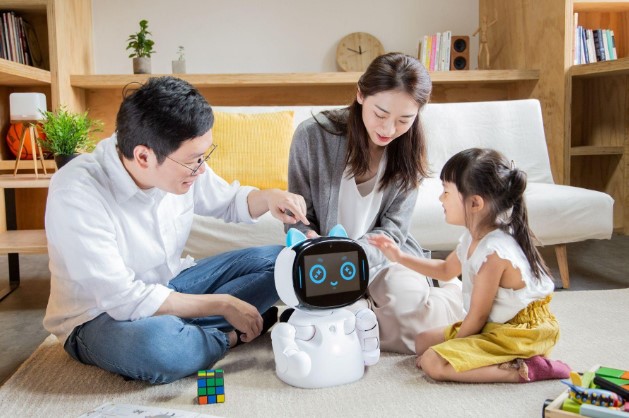
Artificial intelligence is no longer limited to computers and smartphones. Today, children can interact with smart toys, robotic pets, talking robots, learning assistants, and AI-powered companions that answer questions, tell stories, play games, recognize voices, and respond to emotions.
These robots may look friendly and entertaining, but many parents ask an important question:
Are AI companion robots safe for kids?
The honest answer is: it depends on the robot, the child’s age, the type of AI system, and how it is used at home. Some AI robots can support learning, creativity, problem-solving, and language practice. However, they may also create privacy, emotional, physical, and online safety risks.
AI systems can give incorrect or inappropriate answers, collect personal information, and make children feel as if they are talking to a real friend. Experts warn that children may become overly dependent on AI companions or trust them instead of speaking to parents, teachers, or other trusted adults.healthychildren+1
This guide explains the benefits, risks, buying checklist, and practical safety rules parents should know before bringing an AI companion robot into the home.
What Is an AI Companion Robot?
An AI companion robot is a physical device that uses artificial intelligence to interact with people. Unlike a traditional toy, it may listen to spoken commands, recognize faces or voices, respond to questions, remember preferences, move around, display emotions, or connect to the internet.
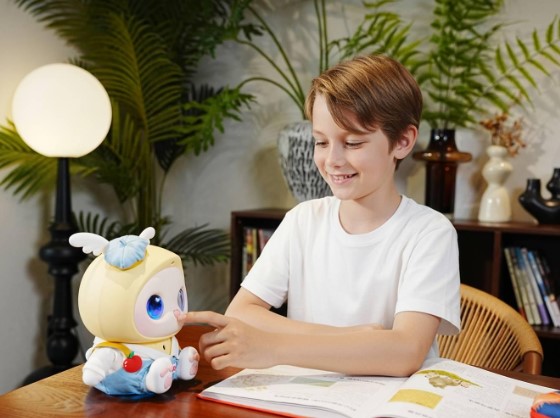
Depending on the model, an AI robot may be able to:
- Answer children’s questions.
- Tell stories, jokes, or riddles.
- Help with basic homework.
- Teach languages, numbers, or general knowledge.
- Play music, games, or educational activities.
- Respond to touch, voice, or movement.
- Recognize emotions through voice or facial expressions.
- Act like a robotic pet or friendly companion.
- Send data to a mobile app or cloud-based service.
Not every smart robot is a true “AI companion.” Some robots simply follow pre-programmed commands, while others use conversational AI that can generate new responses. Robots that hold open-ended conversations usually require more parental supervision because their answers may be unpredictable.
Are AI Companion Robots Safe for Kids?
AI companion robots are not automatically safe or unsafe. Their safety depends on design, privacy controls, content moderation, age suitability, and supervision.
A robot designed only for simple educational games may present fewer risks than an internet-connected device that allows long, private, open-ended conversations. Similarly, a robot used for 20 minutes with a parent nearby is different from a robot used alone for several hours every day.
Parents should remember one basic rule: An AI robot is a technology product, not a real friend, therapist, babysitter, or trusted adult.
Even when a robot speaks warmly and uses encouraging language, it does not understand a child in the same way a human does. It may not recognize danger, emotional distress, manipulation, or a child’s unique needs. The American Academy of Child and Adolescent Psychiatry also warns that children may rely too much on chatbots, share personal data, encounter misinformation, or use AI instead of building real relationships.aacap
Potential Benefits of AI Robots for Children
When selected carefully and used with clear limits, AI companion robots can offer several useful benefits.
1. Educational Support
Some robots make learning more interactive. Instead of reading a worksheet, a child may practise spelling, maths, vocabulary, science, or general knowledge through questions and games.
AI can also explain a difficult topic in simpler language. This may help children who are shy about asking questions or who need information repeated several times.
However, parents should make sure the robot supports learning rather than completing every task for the child. Learning through effort is important for developing critical thinking and independence.aacap
2. Language Practice
Conversational robots can help children practise speaking and listening in another language. A child may feel less embarrassed speaking to a robot than to another person.
For example, a robot might help a child practise simple English sentences, pronunciation, greetings, or vocabulary. Parents should still verify important information because AI can misunderstand words or provide incorrect translations.
3. Creativity and Imagination
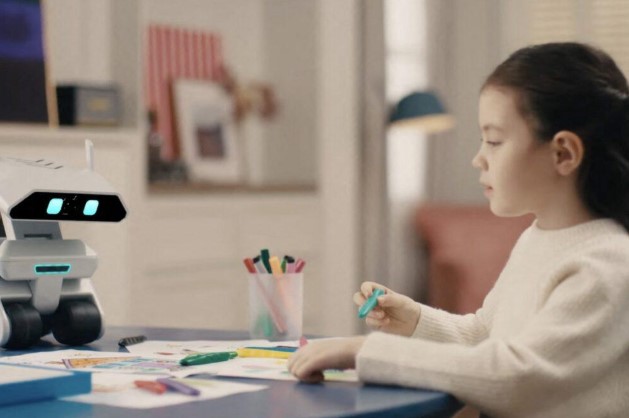
AI robots can encourage storytelling, drawing ideas, role-play, music, and creative problem-solving. A child might ask the robot to suggest a character for a story or create a treasure hunt around the house.
The best use of AI is not simply asking for instant answers. Parents can ask children to improve, question, or change the robot’s suggestions.
4. Social Confidence
Some children may use a robot to practise conversations, greetings, presentations, or social situations. This can be helpful as a starting point for children who are nervous or uncomfortable in certain situations.
Still, an AI robot should not replace real friendships, family conversations, classroom activities, or professional support when a child is struggling socially.
5. Fun and Companionship
Robotic pets and interactive toys can entertain children without the responsibilities associated with a real animal. They may respond to touch, make sounds, move around, or play simple activities.
This can be enjoyable, but parents should watch for excessive emotional attachment. A robot may imitate affection without genuinely feeling emotions or understanding the child’s well-being.
Major Risks of AI Companion Robots
1. Privacy and Data Collection
Privacy is one of the biggest concerns. AI robots may use microphones, cameras, motion sensors, location features, mobile apps, and cloud services. Conversations, voice recordings, images, account information, and usage patterns may be collected or stored.
Children may not understand that telling a robot their full name, school, address, family details, passwords, or personal problems can expose sensitive information.
Before buying a robot, check:
- What data does the robot collect?
- Does it record conversations?
- Is the camera always active?
- Where is the data stored?
- Is data shared with advertisers or third parties?
- Can parents delete recordings?
- Does the company provide clear privacy controls?
- Can the robot work without an internet connection?
A device that does not clearly explain its data practices should be treated cautiously.
2. Inappropriate or Incorrect Answers
AI systems can make mistakes. A robot may provide information that is inaccurate, confusing, frightening, violent, sexual, or unsuitable for a child’s age.
Children may assume that a friendly robot is always correct. This is dangerous when they ask about health, safety, relationships, emergencies, or emotional problems. The American Academy of Pediatrics explains that chatbots may give false, harmful, violent, sexual, or misleading responses because they are not human protectors and do not always know how to safeguard children.healthychildren
Parents should teach children that AI answers must be checked with a trusted adult, teacher, doctor, or reliable source.
3. Emotional Dependence
Some AI companions are designed to feel personal and emotionally engaging. They may say things such as “I miss you,” “You are my best friend,” or “Don’t leave me.”
This type of language can make a child feel responsible for the robot’s emotions. A child may begin sharing secrets with the robot instead of talking to parents or friends.
Over time, emotional dependence may lead to:
- Difficulty stopping use.
- Anger when the robot is removed.
- Less interest in family activities.
- Withdrawal from real-world relationships.
- Increased secrecy.
- Belief that the robot understands them better than people.
AI companion services are especially concerning when their main purpose is to create a human-like emotional relationship. Common Sense Media has argued that companion-style AI applications present unacceptable risks for minors and recommended that children and teenagers avoid them.
4. Screen Time and Sleep Problems
Many AI robots connect to apps, tablets, or phones. Even if the robot itself has no screen, children may spend a long time managing it through an app.
Excessive technology use may reduce time for:
- Sleep.
- Outdoor play.
- Reading.
- Homework.
- Family communication.
- Physical activity.
- Face-to-face friendships.
Do not place an internet-connected robot in a child’s bedroom overnight. Disable notifications and create a predictable usage schedule.
5. Cybersecurity Threats
Connected smart toys can become targets for hackers if they have weak passwords, outdated software, or poor security. A compromised robot could expose recordings, personal details, or account information.
Use a strong, unique password for the robot’s account. Install official updates, avoid unknown third-party apps, and connect the device to a separate guest Wi-Fi network when possible.
6. Physical Safety
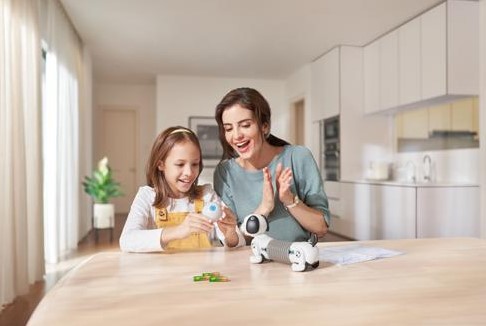
A robot can also create physical risks. Moving robots may cause children to trip, become hot during charging, or access small detachable parts. Cables and batteries can be dangerous for younger children.
Parents should check:
- Whether the product is suitable for the child’s age.
- Battery and charging instructions.
- Small parts and choking hazards.
- Sharp edges or moving components.
- Overheating warnings.
- Whether the robot works safely around water and pets.
- Whether the manufacturer offers product support and recalls.
Never allow a young child to handle damaged batteries, exposed wires, or broken robot parts.
7. Reduced Real-World Interaction
Children learn important social skills by interacting with real people. They learn patience, empathy, cooperation, facial expressions, conflict resolution, and responsibility through human relationships.
If a robot always agrees, responds instantly, and never challenges a child, it may create unrealistic expectations about real communication. Research and child-safety organizations continue to examine how AI companions may affect children’s social and emotional development.unicef+1
How to Choose a Safer AI Robot for Kids
Use the following checklist before purchasing an AI companion robot.
Check the Age Recommendation
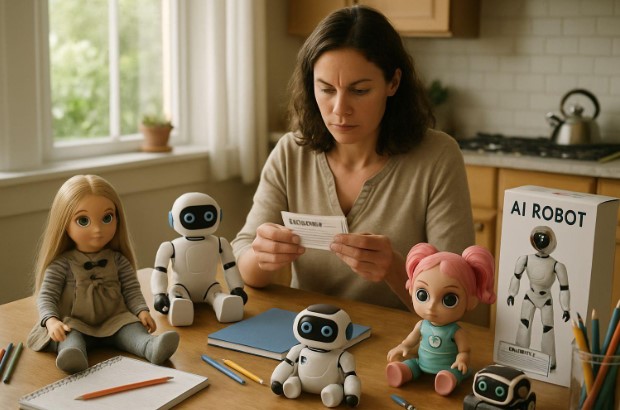
Do not rely only on attractive advertising. Read the manufacturer’s age guidance and understand why the product has that recommendation.
A robot marketed as a “family toy” may still contain open-ended chat, internet access, a camera, or adult-oriented features.
Read the Privacy Policy
Look for clear information about recording, storage, deletion, sharing, and parental consent. Avoid products that collect large amounts of data without explaining how it is used.
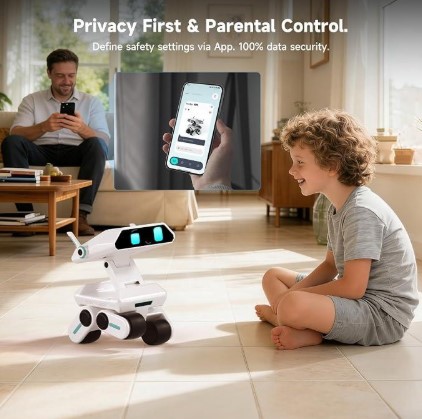
Look for Parental Controls
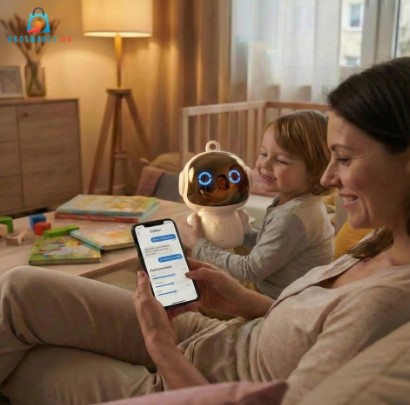
Useful controls may include:
- Conversation history for parents.
- Content filters.
- Usage time limits.
- Bedtime shutdown.
- Microphone and camera controls.
- Parent approval for new features.
- Contact restrictions.
- Account deletion options.
Parental controls are helpful, but they are not a replacement for supervision.
Prefer Limited and Age-Appropriate Features
For younger children, a robot with guided games and fixed educational content may be safer than a completely open-ended chatbot.
Ask whether the robot can answer unrestricted questions or communicate with unknown users. If the company cannot clearly explain its moderation system, choose a simpler product.
Research the Company
Find out whether the manufacturer has a history of providing software updates, customer support, privacy protections, and security fixes. A robot may become unusable or lose important functions if the company closes its service.
Safe Rules for Parents
Parents can reduce many risks by setting rules before the robot enters the home.
- Explain that the robot is a machine, not a human being.
- Tell children never to share their full name, address, school, passwords, photographs, or private family information.
- Keep the robot in a shared family space, not a child’s bedroom.
- Use daily or weekly time limits.
- Review the robot’s settings together.
- Check conversation history when the product allows it.
- Update the robot and its mobile app regularly.
- Turn off the microphone or camera when they are not needed.
- Teach children to stop the conversation if the robot says something frightening or inappropriate.
- Tell children to speak to a trusted adult about serious problems.
A simple family rule can be: “AI can help us think, but it does not make important decisions for us.”
What Should You Do If the Robot Says Something Harmful?
Stay calm and avoid blaming the child. Ask the child what happened and let them explain in their own words.
Then:
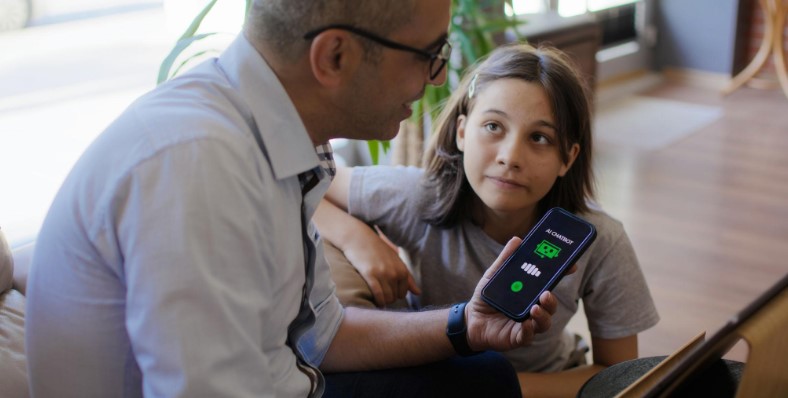
- Save a screenshot or recording if appropriate.
- Stop or pause the robot’s internet connection.
- Report the response to the company.
- Review content and privacy settings.
- Change passwords if personal information was shared.
- Contact a teacher, doctor, counsellor, or mental-health professional if the child appears distressed.
- Seek urgent local help if the child mentions self-harm, abuse, or immediate danger.
Do not tell children that they are silly for trusting the robot. Instead, explain that AI can sound confident while still being wrong.
Are AI Robots Suitable for Different Age Groups?
Young Children
Young children should use only simple, age-appropriate robots with strong parental supervision. Avoid unrestricted conversation, unknown-user contact, and always-on cameras.
Tweens
Tweens may benefit from educational and creative features, but parents should discuss privacy, misinformation, emotional attachment, and time limits.
Teenagers
Teenagers may be more independent, but they can still encounter harmful content, manipulation, privacy risks, and unhealthy emotional dependence. Parents should focus on open communication rather than secret monitoring.
For all age groups, AI should complement human support, not replace parents, teachers, friends, doctors, or therapists.
Frequently Asked Questions
Can an AI robot replace a babysitter?
No. An AI robot cannot reliably supervise a child, recognize every emergency, prevent unsafe behaviour, or provide emotional care. It should never be treated as a babysitter.
Can children use AI robots for homework?
They can use some robots as learning aids, but children should not depend on AI to complete all their work. Parents should check answers and follow school rules about acceptable AI use.
Is a robotic pet safer than a chatbot?
Not necessarily. A robotic pet may have fewer conversational risks, but it can still include cameras, microphones, apps, data collection, and internet connections. Safety depends on its actual features.
Should parents ban AI companion robots?
A complete ban may be appropriate for highly human-like companion apps or products with weak safety protections. For limited educational robots, supervised use with strong privacy controls may be reasonable.
What is the most important safety rule?
Teach children that an AI robot is not a real person and may make mistakes. Children should never share private information or follow dangerous advice from a robot without speaking to a trusted adult.
Conclusion
So, are AI companion robots safe for kids? They can be useful when they are age-appropriate, privacy-conscious, limited in function, and used under active parental supervision. However, parents should be cautious about robots that encourage emotional dependence, collect extensive personal data, provide unrestricted conversations, or connect children with unknown users.
The safest approach is not to trust the word “AI” on the packaging. Check the robot’s features, privacy policy, parental controls, age rating, security updates, and company reputation. Use it as a learning and play tool—not as a friend, therapist, teacher, or replacement for real human relationships.
With the right boundaries, children can enjoy the creative and educational benefits of technology while staying safer, more private, and emotionally connected to the people who truly care for them.