
Identity theft is one of the most common cyber risks people face today. It happens when someone steals your personal information, such as your name, bank details, passwords, or ID numbers, and uses it for fraud, purchases, loans, or account takeovers. The good news is that many identity theft cases can be reduced or prevented by following simple cyber awareness habits in your daily online life.
Cyber awareness means understanding the tricks that scammers use and learning how to protect your data before it falls into the wrong hands. In simple words, if you stay alert, use safer online habits, and check your accounts regularly, you can lower your risk of becoming a victim.
What Is Identity Theft?
Identity theft happens when a criminal gets access to your personal or financial information and uses it without your permission. This can include opening accounts in your name, making unauthorized purchases, taking over your email or banking accounts, or using your data in scams.
Many people think identity theft only happens after a major hack, but it can also start from a phishing email, a weak password, public oversharing, stolen mail, or an unsecured connection. That is why cyber awareness is so important: small online mistakes can create big financial and personal problems later.
Main points
- Identity theft is the misuse of your personal information for fraud or account abuse.
- It can happen online or offline through scams, stolen documents, hacked accounts, or fake messages.
- Prevention starts with awareness, stronger account security, and regular monitoring.
Table
Why Cyber Awareness Matters
Cyber awareness helps you recognize danger before you click, reply, share, or log in. Many identity theft attempts begin with phishing emails, urgent text messages, fake calls, suspicious links, or websites that look real but are designed to steal information.
According to the NAIC article, more than 90% of successful cyberattacks start with phishing emails, based on CISA-cited guidance mentioned there, which shows how often identity theft begins with manipulation rather than advanced hacking. This means your daily choices, such as whether you click a link or reuse a password, matter a lot in protecting your identity.
Main points
- Cyber awareness helps you spot scams early.
- Identity theft often starts with phishing or social engineering.
- Safe habits online can stop problems before they happen.
Table
Use Strong and Unique Passwords
One of the best ways to protect yourself from identity theft is to use strong and unique passwords for every account. If you reuse the same password across multiple sites, a criminal only needs one breach to try that same password on your email, shopping, banking, or social media accounts.
Good password habits include using long passwords or passphrases, mixing letters, numbers, and symbols, and avoiding easy personal details like names or birthdays. Several sources also recommend using a password manager or password generator so you do not have to remember every login manually.
Main points
- Never reuse passwords across multiple accounts.
- Use strong passwords with enough length and complexity.
- Consider a password manager to create and store secure logins.
Table
Turn On Multi-Factor Authentication
Multi-factor authentication, also called MFA or 2FA, adds an extra layer of security to your accounts. Even if someone steals your password, they still need the second step, such as a code, app confirmation, fingerprint, or another identity check, to get in.
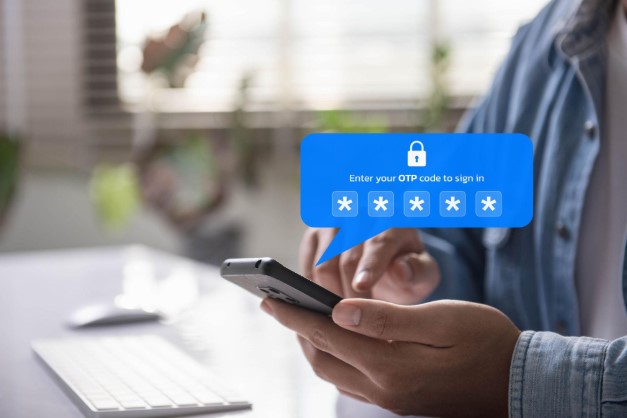
This simple step can make a huge difference because passwords alone are no longer enough in many cases. If your most important accounts support MFA, such as email, banking, and social media, you should enable it as soon as possible.
Main points
- MFA protects your account even if your password is stolen.
- It is especially important for email, financial, and shopping accounts.
- Biometrics and authenticator methods can improve account security further.
Table
Watch Out for Phishing Scams
Phishing is one of the biggest identity theft threats online. Scammers send fake emails, texts, or messages that look urgent and try to make you click a link, open an attachment, log in to a fake site, or share private information.
You should be careful with messages that create panic, promise rewards, or ask for sensitive details right away. A good habit is to verify the sender, go directly to the official website instead of clicking links, and never share personal information through suspicious messages.
Main points
- Phishing messages often pretend to be urgent or official.
- Never trust a link just because a message looks real.
- Always verify the sender before giving information.
Table
Monitor Your Bank and Credit Accounts
One of the smartest cyber awareness habits is checking your bank accounts, credit card statements, and credit reports regularly. Identity theft often becomes visible through strange transactions, unknown charges, or accounts you did not open.
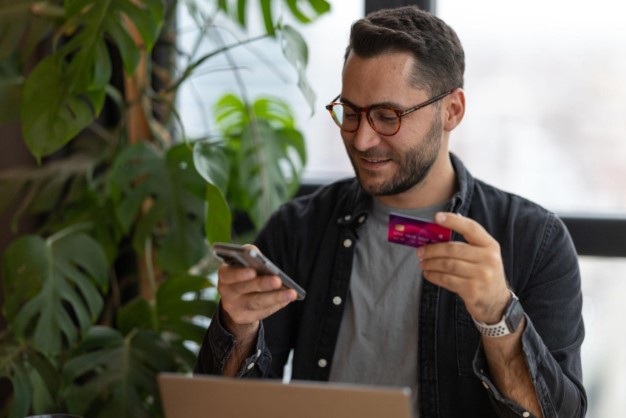
Some banks allow text or email alerts for purchases, logins, or transactions over a certain amount, which can help you catch suspicious activity faster. The NAIC also notes that you are entitled to free credit reports from the three main credit reporting companies, which makes regular review an important part of prevention.
Main points
- Review financial accounts regularly for suspicious activity.
- Use alerts to find fraud faster.
- Check your credit report for unknown accounts or errors.
Table
Be Careful What You Share Online
Oversharing personal information on social media can increase your risk of identity theft. Public posts, birthday details, phone numbers, address clues, location updates, or background documents in photos can all give criminals useful data.
The safer approach is to review your privacy settings regularly, limit who can see your posts, and think twice before posting anything personal. Even information that seems harmless can be used together with other details to answer security questions or build a fake profile in your name.
Main points
- Social media can reveal more than you think.
- Privacy settings should be reviewed often.
- Avoid posting details that expose your identity, address, or routines.
Table
Use Secure Websites and Safe Connections
You should only enter personal information on secure websites that use encryption, such as sites with “https” and a padlock indicator in the browser. This helps protect data in transit and lowers the chance that someone can intercept your information.
It is also risky to use open public Wi-Fi for sensitive activities like banking, account logins, or shopping. If you must use public internet, sources recommend using a VPN and avoiding transactions that expose important personal data.
Main points
- Check for “https” before entering personal information.
- Avoid sensitive logins on unsecured public Wi-Fi.
- Use a VPN in public places if needed.
Table
Keep Your Devices and Software Updated
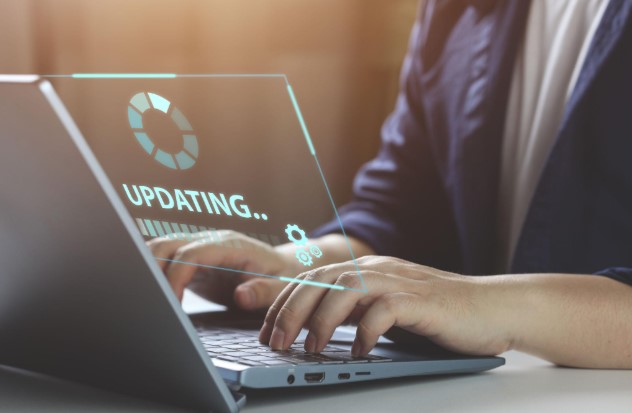
Old software can contain weaknesses that criminals use to steal information or infect devices with malware. Cyber guidance recommends installing a firewall, antivirus protection, anti-phishing tools, and keeping software and apps updated regularly.
Updates matter because they often fix known security problems. If your phone, browser, or computer stays outdated for too long, it becomes easier for attackers to exploit those gaps and gain access to your personal data.
Main points
- Regular updates improve security.
- Antivirus, firewalls, and anti-phishing tools add protection.
- Outdated software increases the risk of account and data theft.
Table
| Security Tool | Why It Helps |
|---|---|
| Software updates | Fix known vulnerabilities |
| Antivirus | Detects malicious files and malware |
| Firewall | Blocks harmful network traffic |
| Anti-phishing tools | Helps stop phishing attempts |
Protect Physical Documents and Cards
Identity theft is not only digital. Criminals can also steal your identity from paper bills, bank mail, account documents, or cards taken from your wallet or mailbox. Protecting your identity includes carrying only the cards you need, keeping your PIN separate, and shredding sensitive papers before throwing them away.
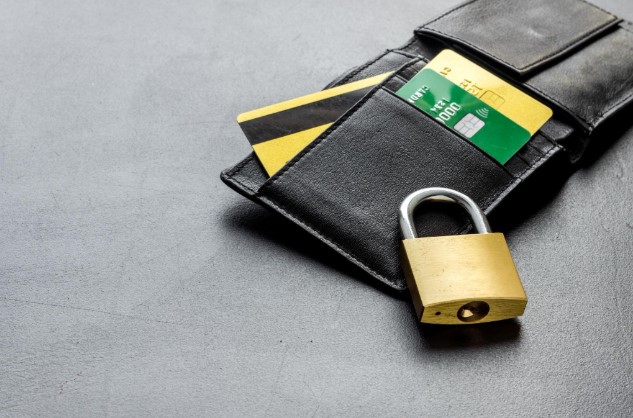
Some guidance also recommends being careful with debit card use in situations where the card can leave your sight, because losses can hit your bank account directly. Physical caution still matters in a world where digital and offline identity theft often connect.
Main points
- Paper documents can be used for identity theft too.
- Carry only necessary cards and protect your PIN.
- Shred sensitive paperwork before disposal.
Table
| Offline Risk | Protection Tip |
|---|---|
| Stolen wallet | Carry only essential cards |
| Mail theft | Secure your mailbox |
| Exposed PIN | Never write it on your card |
| Thrown-away documents | Shred sensitive paperwork |
What to Do If You Suspect Identity Theft
If you think someone is using your identity, act quickly. Start by reviewing your financial accounts, changing passwords for important services, and contacting your bank or card provider to report suspicious activity.
You should also review your credit report and follow official identity theft recovery guidance where available. Fast action can reduce the damage, limit fraud, and improve your chances of recovering control of your accounts.
Main points
- Change passwords immediately on important accounts.
- Contact your bank or provider if you notice suspicious transactions.
- Review credit activity and follow official recovery steps.
Table
Everyday Cyber Awareness Checklist
The best protection comes from consistent habits, not one-time action. Identity theft prevention works best when you combine stronger passwords, account monitoring, safer browsing, software updates, and careful information sharing.
This layered approach is important because criminals use many methods, and no single step can stop every risk. The goal is to make yourself a harder target and spot warning signs early.
Main points
- Use multiple layers of protection, not just one.
- Stay alert online and review accounts often.
- Build simple habits you can follow every day.
Table
FAQs
How can you protect yourself from identity theft?
You can lower your risk by using strong unique passwords, enabling multi-factor authentication, avoiding phishing scams, monitoring financial accounts, and keeping your devices updated.
What is the first sign of identity theft?
A common early sign is suspicious bank activity, unknown charges, or accounts you did not open.
Why is cyber awareness important for identity theft prevention?
Cyber awareness helps you recognize scams, suspicious messages, fake websites, and risky online behavior before your information is stolen.
Should I use public Wi-Fi for banking?
It is safer to avoid banking or sensitive logins on open public Wi-Fi, and to use a VPN if you must connect in public.
Does multi-factor authentication really help?
Yes, MFA adds another security step and makes it harder for criminals to access your account even if they know your password.